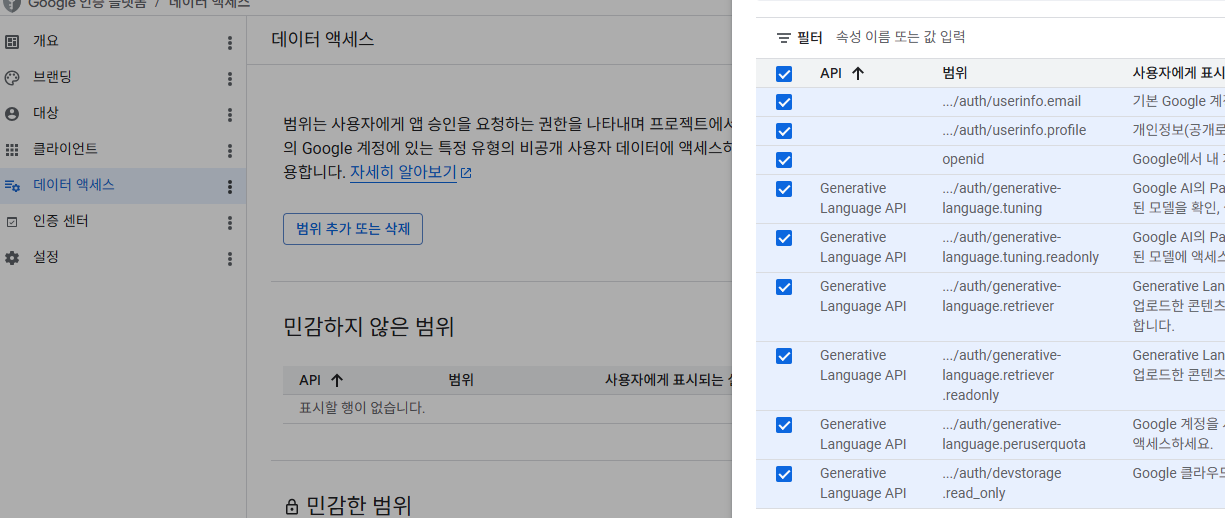
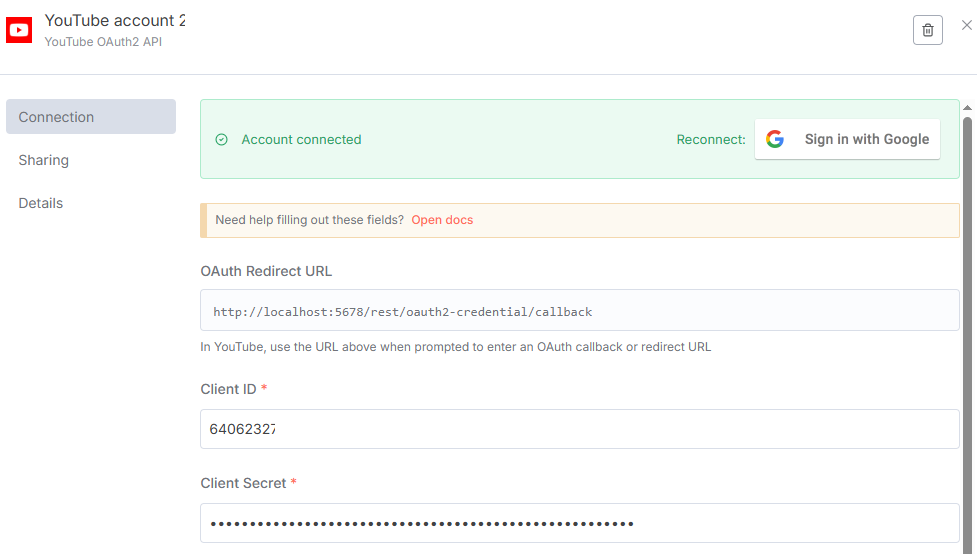
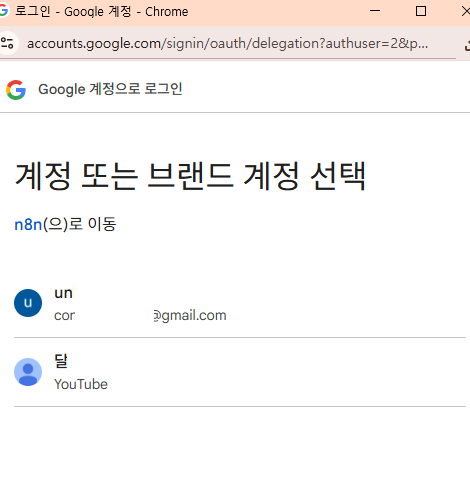
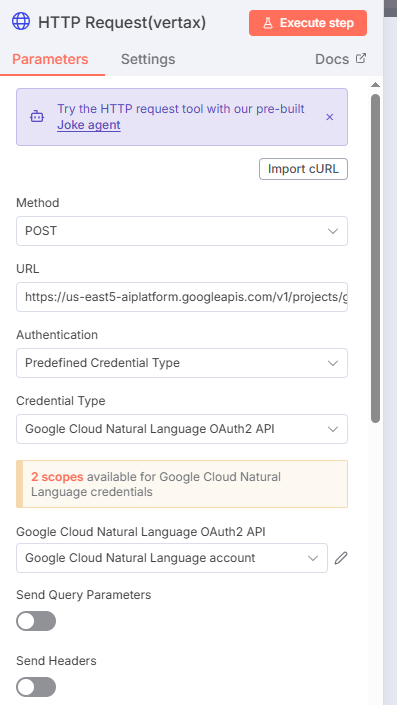
2.3 게시: 인증을 더하라고 나오는데, n8n에서 설정후 무시하고 진행하면 접근이 허용되더라...
: 테스트 모드에서는 7일단위로 인증을 다시 해야한다는게 있어서, 게시를 클릭해서 프로덕션모드로 설정해두면 된다.(앱 인증은 무시가능)
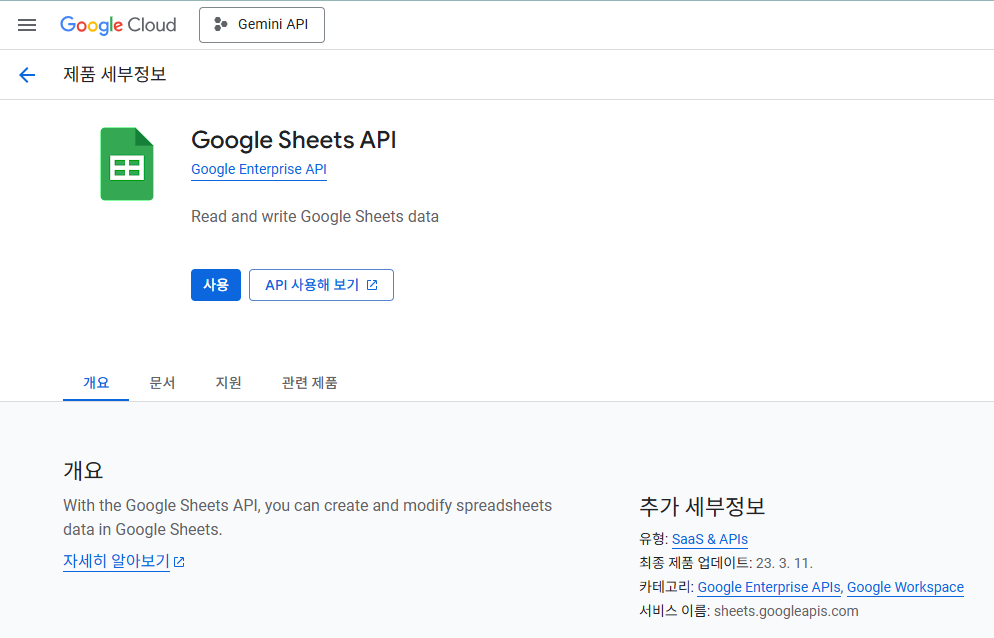
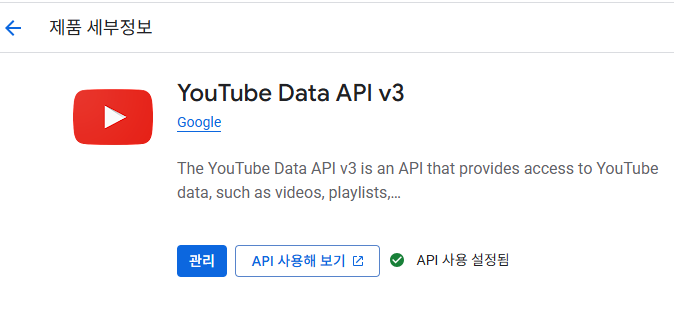
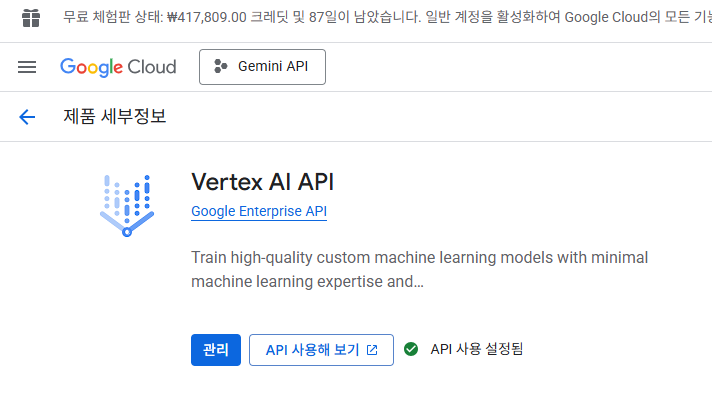
2.4 API 사용 설정
: 인증은 성공했는데, 막상 실행해보면(노드), 아래 오류발생(링크를 따라갔더니 사용허용까지 설정해야 정상적으로 처리됨(26.04.01 확인, 구글 API 인증/사용 방식/설정이 약간 변경이 있었는듯)
Google Sheets API has not been used in project 675402156405 before or it is disabled.
Enable it by visiting https://console.developers.google.com/apis/api/sheets.googleapis.com/overview?project=.... then retry.
If you enabled this API recently, wait a few minutes for the action to propagate to our systems and retry.
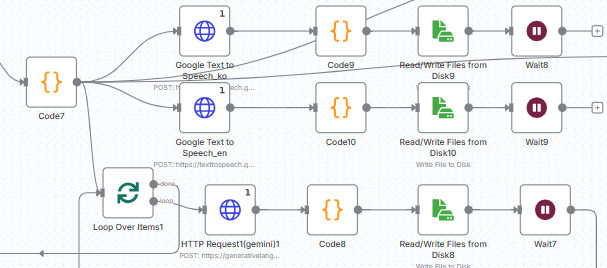
text to speech를 쓴다면 아래도 추가
1
* 중요: text-to-spee API는 유료인데, 무료300$ 크레딧이 있으면 사용가능(계정을 3개월단위로 새로 생성해서 사용하면된다)
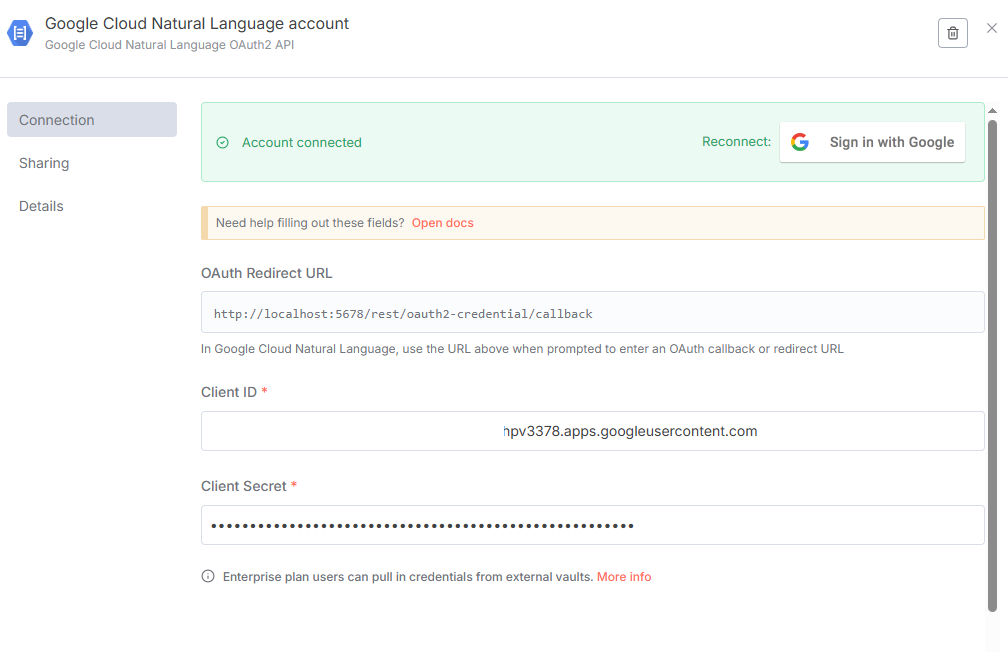
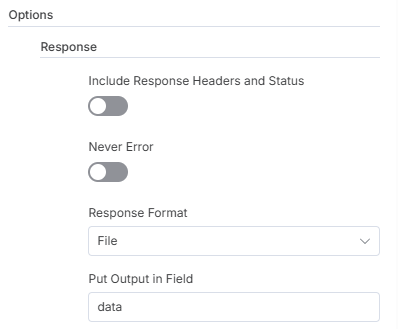
- text to speech API 연결은 아래 인증방식으로 세팅하면된다.
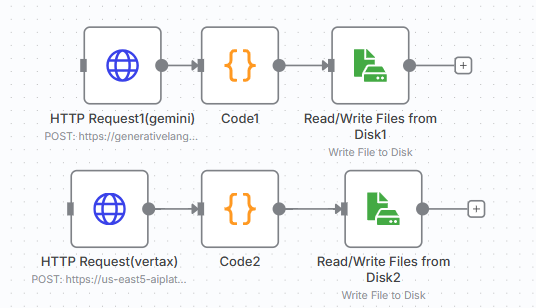
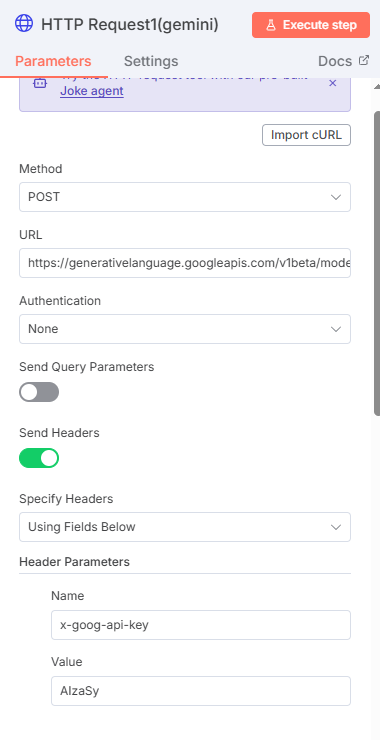
* 이미지 관련해서 사용하던 무료모델이 유료화로 전환됨. 일단 무료 크레딧300$에서 차감된다고 이해했는데, 유료설정후에 사용가능
: A task management system for AI-driven development, designed to work seamlessly with any AI chat.(
모든 AI 채팅과 원활하게 작동하도록 설계된 AI 기반 개발을 위한 작업 관리 시스템입니다.
* Cursor와 같은 AI Driven 개발을 진행할때, Cursor + 채팅만으로 구현을 하게되면, 작업의 연속성(모델을 바꾸거나, Cursor를 재부팅하거나 등)을 해치게된다(대화 히스토리의 context의 전달도 한계가 있음). 이때 사용하는것이 AI Workflow 관리도구인 Task-Master이다.(이외에는 Bmad-Method란것도 있고, 요즘 이쪽으로 연구가 활발히 진행중)
# Install globally
npm install -g task-master-ai

# OR install locally within your project
npm install task-master-ai
Initialize a new project
# If installed globally
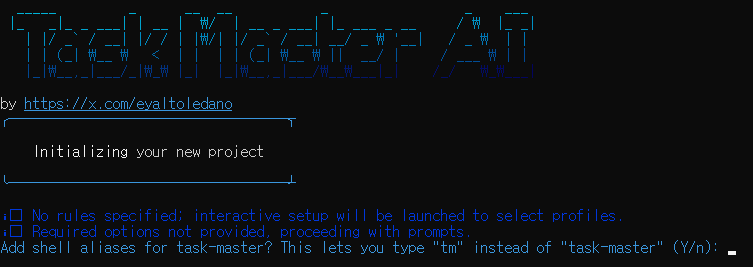
task-master init

# If installed locally
npx task-master init

# Initialize project with specific rules
task-master init --rules cursor,windsurf,vscode
This will prompt you for project details and set up a new project with the necessary files and structure.
Common Commands
# Initialize a new project
task-master init

# Parse a PRD and generate tasks
task-master parse-prd your-prd.txt

# List all tasks
task-master list

# Show the next task to work on
task-master next

# Show specific task(s) - supports comma-separated IDs
task-master show 1,3,5

# Research fresh information with project context
task-master research "What are the latest best practices for JWT authentication?"

# Move tasks between tags (cross-tag movement)
task-master move --from=5 --from-tag=backlog --to-tag=in-progress
task-master move --from=5,6,7 --from-tag=backlog --to-tag=done --with-dependencies
task-master move --from=5 --from-tag=backlog --to-tag=in-progress --ignore-dependencies

# Generate task files
task-master generate

# Add rules after initialization
task-master rules add windsurf,roo,vscode
(cmd 모드)
NPM설치
-> task-master 설치
-> 프로젝트 경로 이동
-> Task-Master 초기화(init) : 사용할 모델등 설정 진행
task master init
-> prd.md(prd.txt) 작성 후 파싱(parse-prd) 수행
* parse-prd 수행전에, .env파일을 생성하고 API_KEY 세팅 필요
OPENAI_API_KEY=~~
: 여기까지만 해두면 .taskmaster/tasks/task_01~10.txt가 생성되고, 이제 구현 준비가 완료되었다고 보면된다.
* 만약에 cursor만 결재한 상태이고 별도의 openai(ChatGPT API_KEY 유료버전이 없다면/무료버전은 금방 소진됨), 아래처럼 cursor에서 진행도 가능하다.
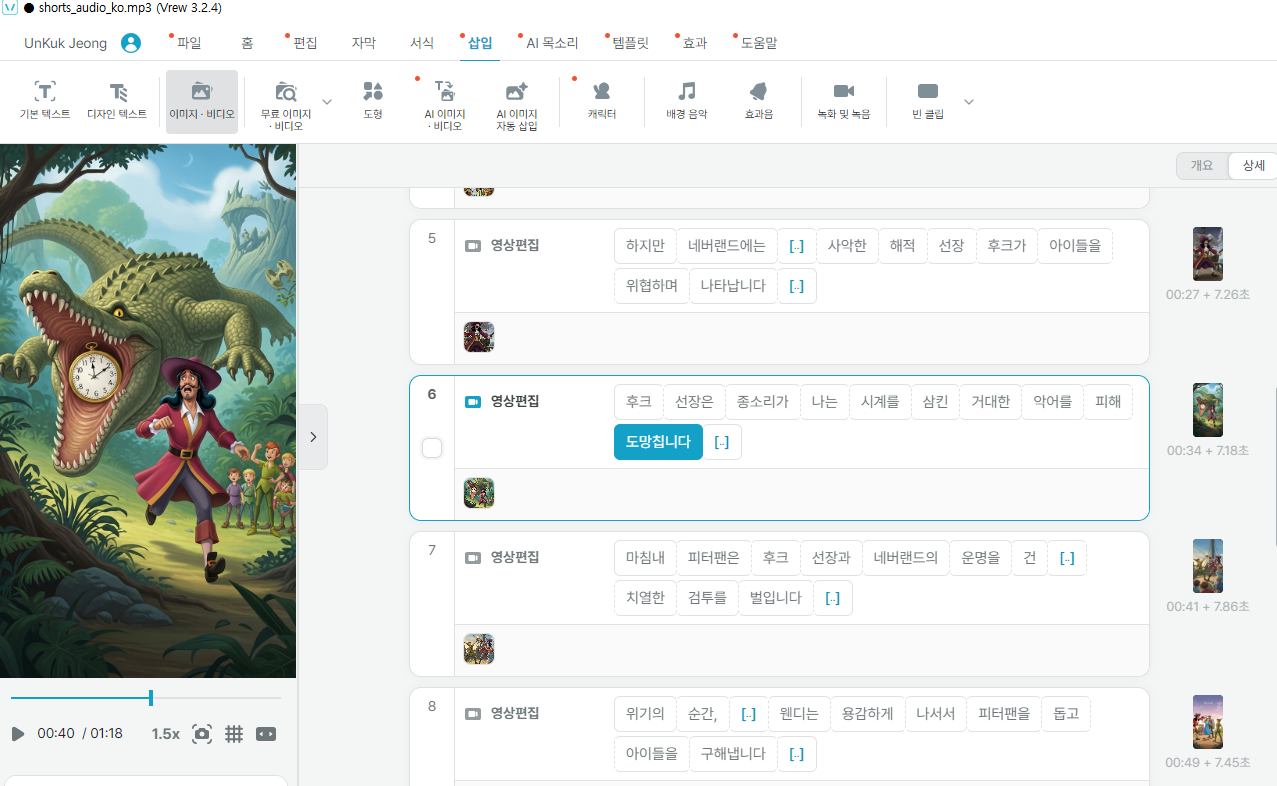
"scenes": [
    {
      "scene_id": 0,
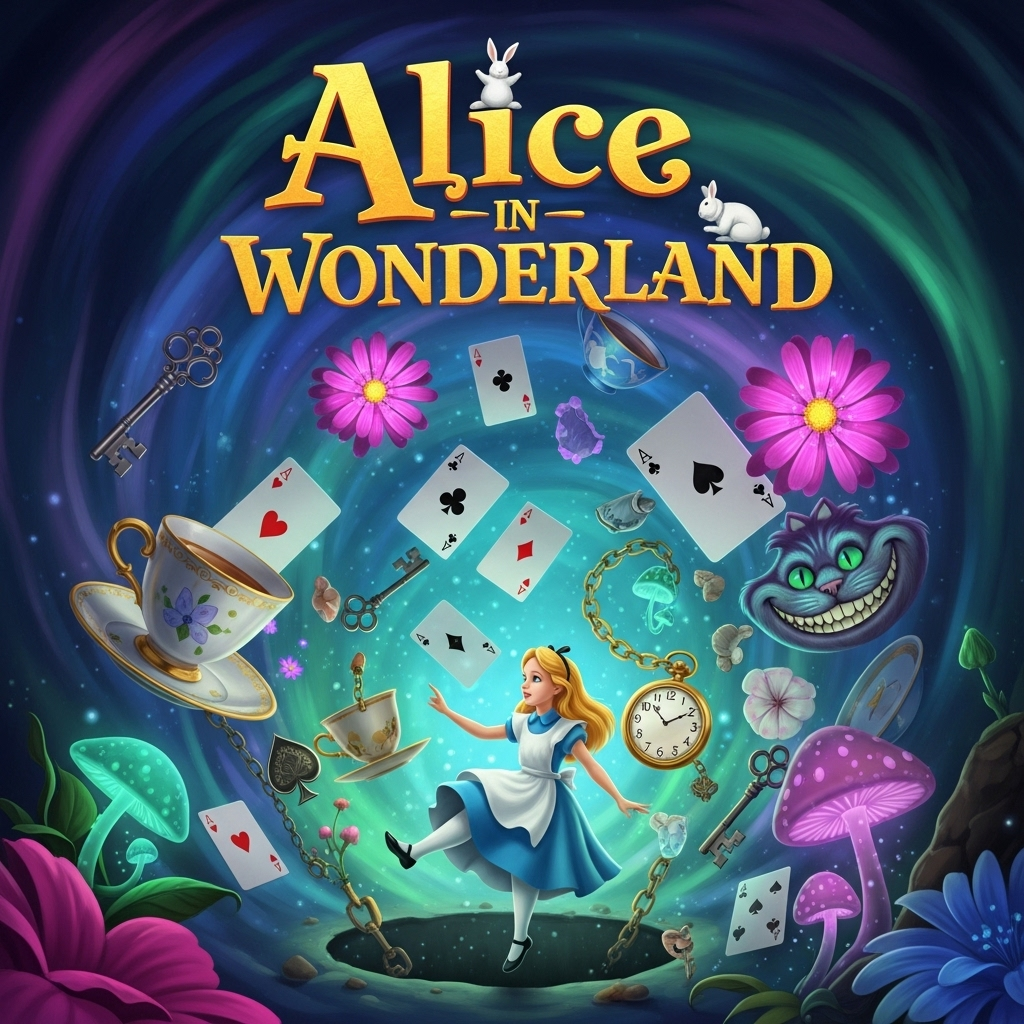
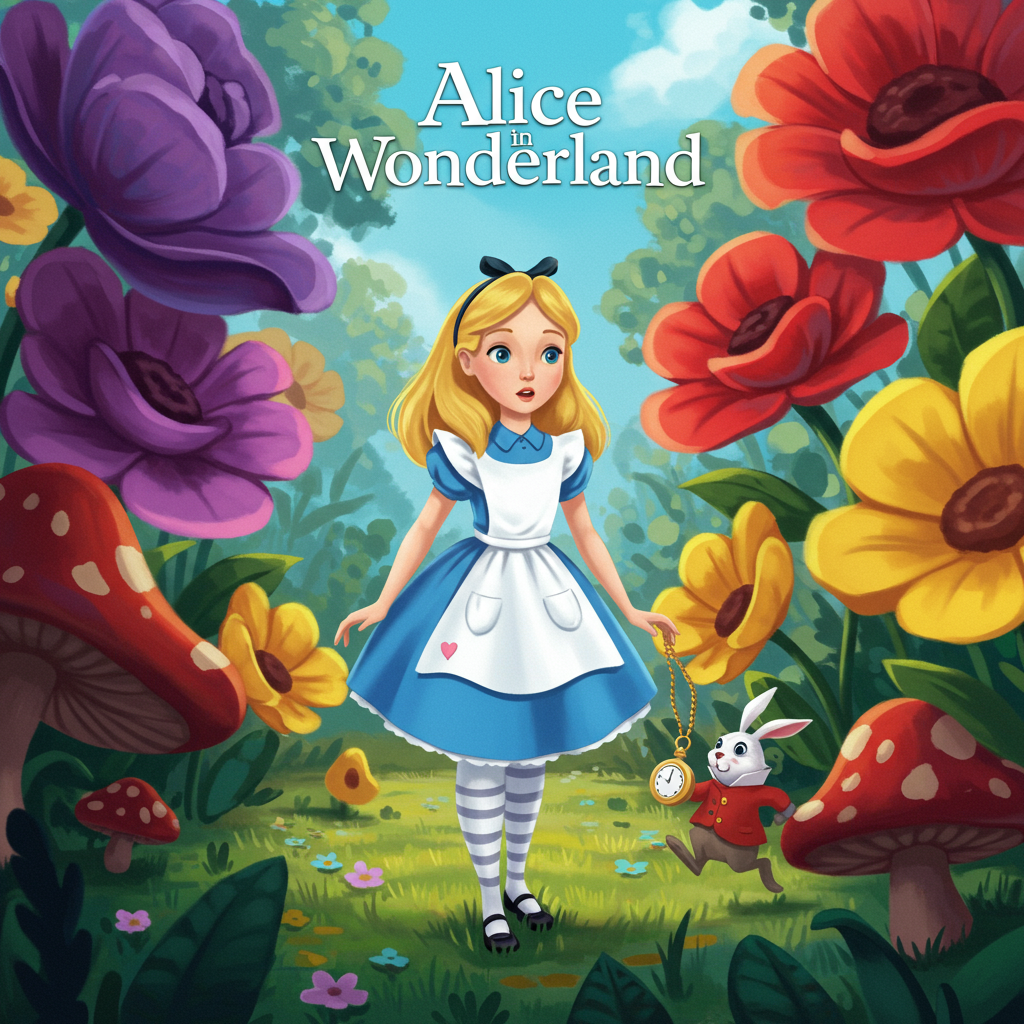
      "title": "피터팬",
      "title_en": "Peter Pan",
      "one_line": "네버랜드의 신비로운 모험!",
      "script_ko": "창문 너머로 들려오는 '어린 시절'이라는 노래에 이끌려, 웬디와 형제들은 밤하늘을 나는 신비로운 소년 피터팬을 만나게 됩니다.",
      "script_en": "Drawn by the song of 'childhood' from beyond the window, Wendy and her brothers meet the mysterious boy Peter Pan, who flies across the night sky.",
      "image_prompt": "A whimsical night scene with a starry sky over a London rooftop. A silhouette of a young boy with a mischievous grin, Peter Pan, is seen flying with two young children, Wendy and her brothers, holding his hands. The moonlight casts a magical glow. The style should be a classic storybook illustration with rich, deep blues and silvers, emphasizing wonder and adventure. Consistent character designs for Peter, Wendy, and her brothers should be maintained throughout.",
      "negative_prompt": "photorealistic, modern, blurry, disfigured, extra limbs, low quality",
      "seed": 1000,
      "painting_style": "storybook watercolor illustration, vibrant colors, consistent character design"
    },
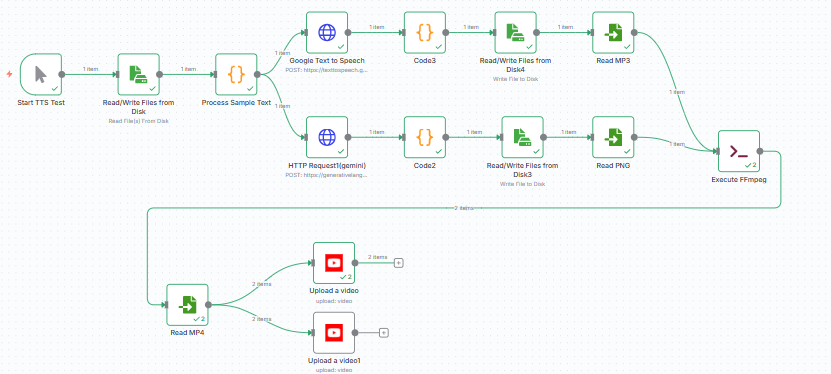
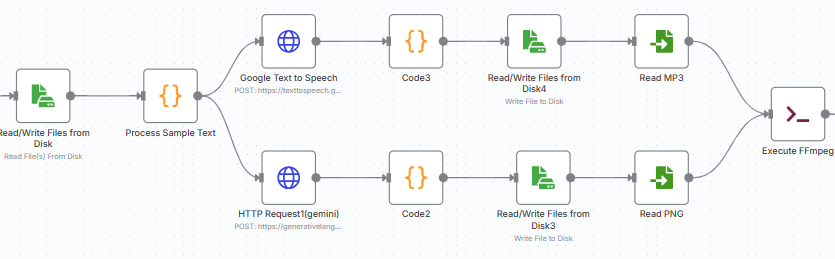
3. google cloude Text-to-Speech 모델로, 한국어/영어 오디오 변환